

2026-05-15 08:57:38
Elizabeth Lopatto, reporting for The Verge (gift link):
Today was closing arguments in the Musk v. Altman trial, and I almost feel bad writing about the unbelievable demolition derby I just witnessed. Steven Molo, Musk’s lawyer, stumbled over his words. He at one point called Greg Brockman — a co-defendant — Greg Altman. He erroneously claimed that Musk wasn’t asking for money and had to be corrected by the judge. He made it clear we’ve heard from many liars over the past few weeks, but offered little evidence for Musk’s actual legal claims.
OpenAI’s lawyer, Sarah Eddy, countered this by simply arranging the mountain of evidence that the company introduced in chronological order. She didn’t spend time trying to pretend anyone in this trial is especially reliable. She did, however, get the zinger of the day, about Musk: “Even the mother of his children can’t back his story.” William Savitt, who took the defendant baton after her presentation, demonstrated the number of times Musk “didn’t recall” some critical detail — and wondered how a sophisticated businessman couldn’t understand or read a four-page term sheet OpenAI had sent to him.
I found myself wondering, again, why we were all wasting our time here. So let’s discuss the gossip, which is the real point of this trial. How good was it? Here are my favorite nuggets.
2026-05-15 08:53:54
After posting the previous item referencing dickpanels, a term I’ve been using since 2022, it occurred me that they could also be called dickovers (like popovers, but dickheaded). The latter sounds more clever, but I worry it’s less clear. I’m seldom so indecisive, so I’m running a Mastodon poll.
2026-05-15 08:03:13
Una Hajdari, reporting for Euronews:
A new independent institute dedicated to making artificial intelligence safer for children will beformally [sic] presented at the Danish Parliament on Tuesday, with former European Commission executive vice-president Margrethe Vestager among those co-hosting the event.
The institute’s approach, as explained in a statement before the launch, is “modelled on independent crash-test ratings” for cars. The idea, ostensibly, is that just as consumers can check whether a vehicle is safe before buying it, parents should be able to do the same for the AI their children use.
Quite what a crash test looks like for a chatbot, the institute does not yet say.
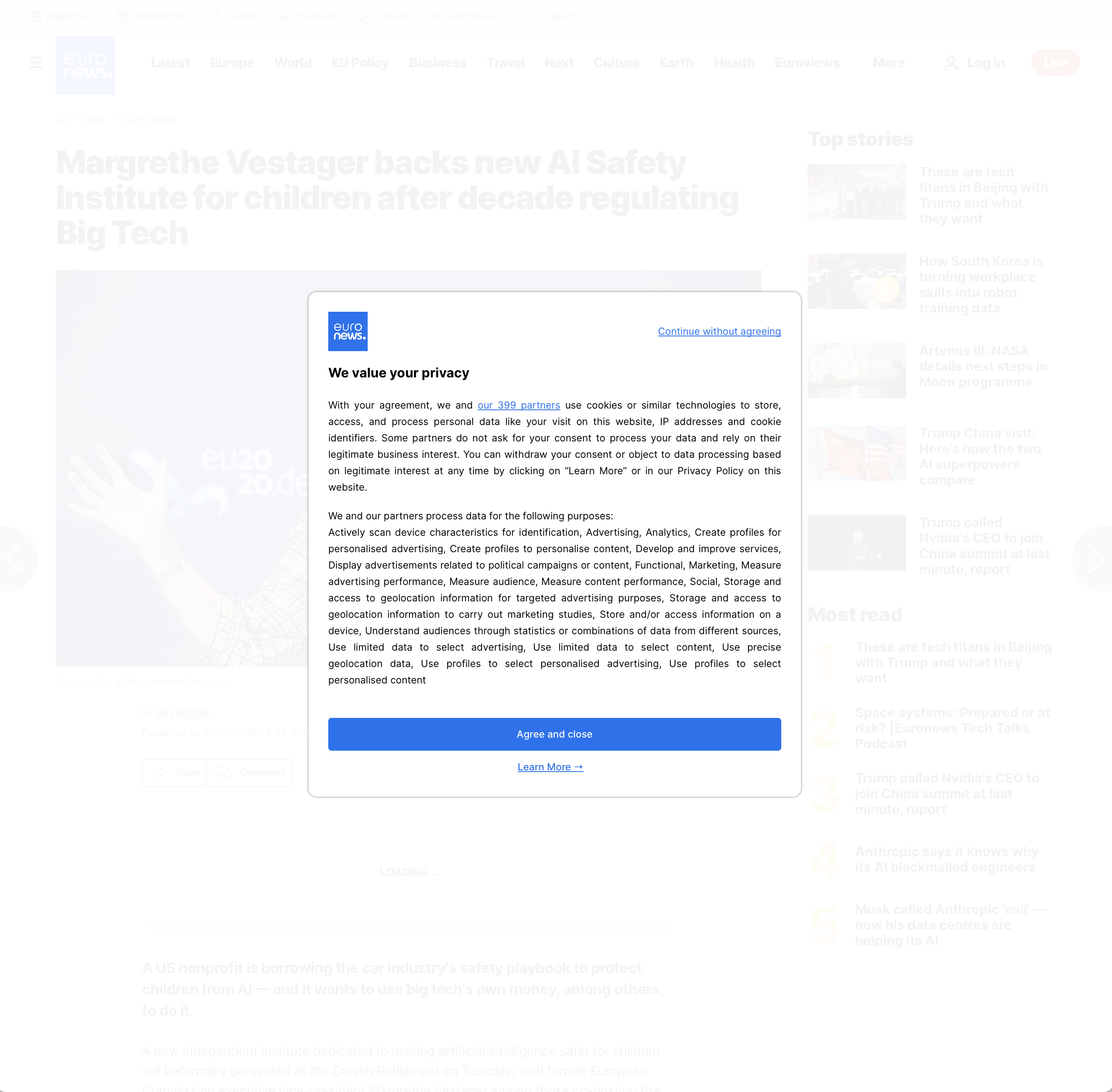
Hopefully their AI crash testing winds up more effective than the GDPR “cookie” initiative overseen by Vestager, which led to the nonsense that required me to click through this ridiculous full-window dickpanel just to read the story. (I love that the dickpanel is titled “We value your privacy” and then begins with the sentence, “With your agreement, we and our 399 partners use cookies or similar technologies to store, access, and process personal data like your visit on this website, IP addresses and cookie identifiers.” If Euronews did not value your privacy, they might have 400 partners.)
2026-05-15 07:44:20
Calif, a security research team, on their blog:
Many security experts consider Apple devices to be the most secure consumer platform. The latest flagship example is MIE (Memory Integrity Enforcement), Apple’s hardware-assisted memory safety system built around ARM’s MTE (Memory Tagging Extension). It was introduced as the marquee security feature for the Apple M5 and A19, specifically designed to stop memory corruption exploits, the vulnerability class behind many of the most sophisticated compromises on iOS and macOS. [...]
Our macOS attack path was actually an accidental discovery. Bruce Dang found the bugs on April 25th. Dion Blazakis joined Calif on April 27th. Josh Maine built the tooling, and by May 1st we had a working exploit.
We didn’t build the chain alone. Mythos Preview helped identify the bugs and assisted throughout exploit development. [...] To the best of our knowledge, this is the first public macOS kernel exploit on MIE hardware. Again, we’ll publish our 55-page report after Apple ships a fix.
The Wall Street Journal ran a story on Calif’s announcement today that was heavy on hyperbole and extraordinarily light on technical details. Unsurprisingly, the team’s own blog post was much more informative and interesting. The achievement here is circumventing MIE.
2026-05-15 06:53:10
Paresh Dave, Lauren Goode, Steven Levy, and Zoë Schiffer, reporting for Wired (News+ link):
As Meta employees brace for layoffs next Wednesday, May 20, many say the vibes are horrifically, historically low. “Everyone is unhappy; the only people who are not unhappy are, literally, executives,” says an employee who works on Instagram.
I’ve never heard of a company bracing for layoffs where the morale was good. But this Wired report — with some all-star bylines — paints a particularly dark picture of the mood in Menlo Park:
“I don’t know anyone having a good time,” says a policy staffer. “The vibe is a bit ‘over it’ — lack of connection to the mission, upcoming layoffs, American employees being used to train the AI models that will replace them.”
Anyone who can afford to leave is hoping to be laid off and receive the 16 weeks minimum of severance and 18 months of paid health care that come with it, several people say. As the Instagram employee put it, “Everyone is just like, do it now, jesus fucking christ.” Only the individuals with the best pay packages and involved in the core development of AI seem to be thriving, a longtime senior leader at Meta says.
Regarding the new employee surveillance tracking software:
Opting out is not possible, according to three employees. “Nobody is happy about it,” says a current employee. “And we have no choice.” Some employees claim they have found workarounds to dodge tracking or have managed to delay installation.
The software, known as Model Capability Initiative, or MCI, suddenly turned people across the company into privacy zealots, a legal staffer says. When employees protested the rollout in internal messages, including by referencing Meta’s history of user data breaches, chief technology officer Andrew Bosworth “belittled and berated” the dissenters, one veteran employee says and another confirms. “These billionaires can’t even feign empathy,” the first person says. “The social contract is completely shattered at this point.”
Unanswered remains my question from earlier this week: is MCI installed on Bosworth’s computer too? (And Zuck’s?)
2026-05-15 04:51:04
Geoffrey Fowler, on his blog, which, alas, he calls “a Substack”:
I’m joining the Youth AI Safety Institute as its first new employee. It’s a research and testing organization launching today under the umbrella of children’s nonprofit Common Sense Media. Backed by a $20 million annual budget, the Institute aims to do something that doesn’t really exist yet: systematically test the AI products kids use, set safety standards, and publicly hold tech companies accountable for meeting them. Think crash test dummies for AI.
On the surface this sounds like a great idea, and Fowler does have a strong background in consumer-oriented product reviews.
My title is Head of Public Engagement — a kind of editor-at-large. I’ll work alongside researchers, computer scientists, pediatricians, clinical psychologists and educators to investigate what happens when kids use AI products, including chatbots, games, educational apps, furry AI toys and whatever comes next. My job is to help turn those findings into something families, educators, policymakers and tech leaders can use.
“We safety-test kids’ PJs. Why not their AI?” says my new colleague at Common Sense, Bruce Reed, who helped craft the Biden White House’s groundbreaking 2023 AI Executive Order.
What exactly did Biden’s AI Executive Order accomplish? As far as I know, absolutely nothing.
Some tech power players, including Anthropic and the OpenAI Foundation, have joined a consortium of foundations and private donors funding the Institute’s work. They get no say over what we publish. (And in my time at The Washington Post, I didn’t let Jeff Bezos’ ownership of the newspaper affect my criticism of Amazon.)
I’m not sure I’ve ever in my life used the phrase “Good luck with that” non-sarcastically, but in this case I mean it: good luck with that. I hope it works out, and someone has to pay the bills (and salaries). But color me skeptical about the foxes funding the henhouse inspectors.