


2026-10-04 04:45:16
Page view counts regressed Oct 1 and were fixed just now. Hopefully those historical counts can be retrieved or fixed; working on it.
2026-10-03 08:04:08
Neat CSS trick:
Use anchor to track the size changes in a textarea (or whatever) and transition instead of instantly update 🤘🏻
2026-10-02 07:57:57
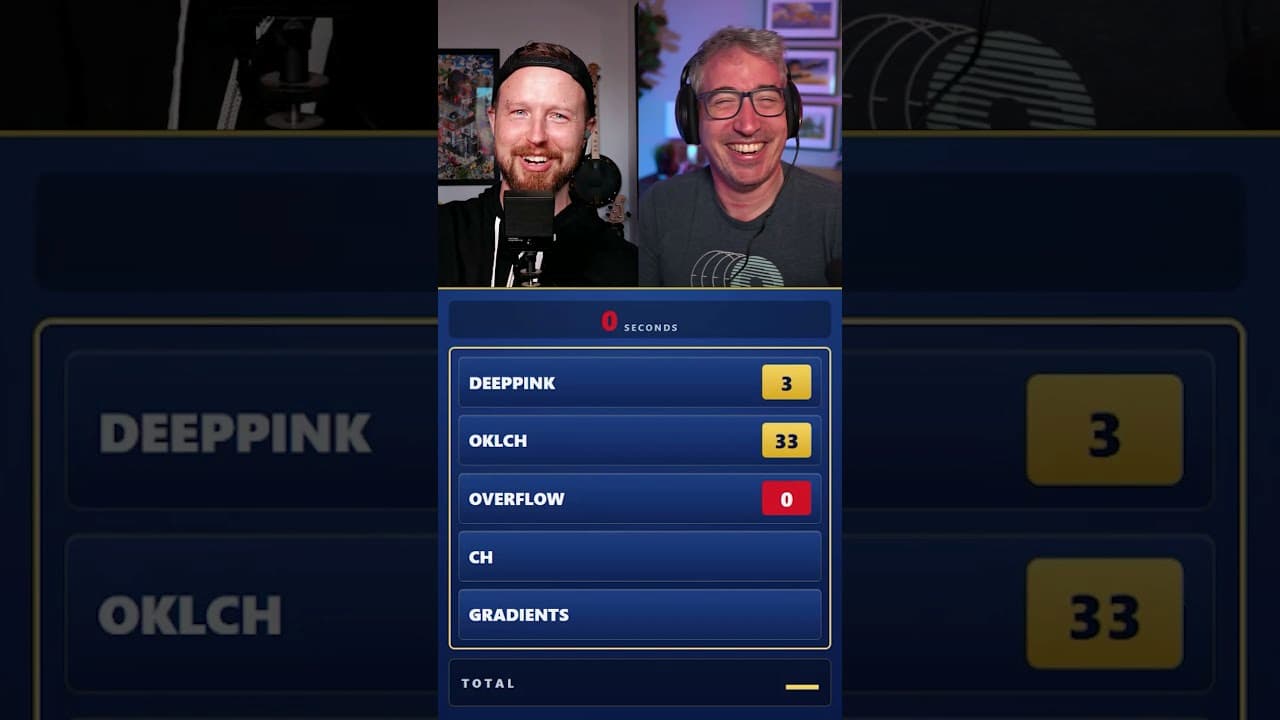
30s on the clock, how well do my CSS answers stack up against Kevin's audience?
2026-09-24 15:00:00

Ep #254
With Brad Frost ✨
Robbie and I welcome Brad Frost to talk grief and acceptance around AI, the Orchid synth, snowboarding as a metaphor for finding your line through chaos, why domain expertise matters more than ever, Van Halen's green M&Ms, and Brad's AI and Design Systems course.
⤷ whiskey.fm · spotify · apple · youtube
2026-09-19 23:42:16

Banjo, guitar, drums, trees, n' mountains.
Chris and I met halfway between our homes to jam.
We met at a tiny campsite, where we hoped the lack of amenities would mean no neighbors.
It worked.
We were the only campers at the site, which meant we could make some noise!
Time to bum-ditty 🤘🏻
We brought tons of instruments, played them until it got dark. Was Awesome.
We caught a couple early jams on video.
Sandy River Belle:
Fire On The Mountain:
Shoes & Stockings:
Overall Chris is MUCH better than me, so I watched and learned as much as I could.
Mt. Hood was lookin great.

And here's a nice pano of the trip down the mountain:

We coulda, but we didn't.
2026-09-17 13:05:56
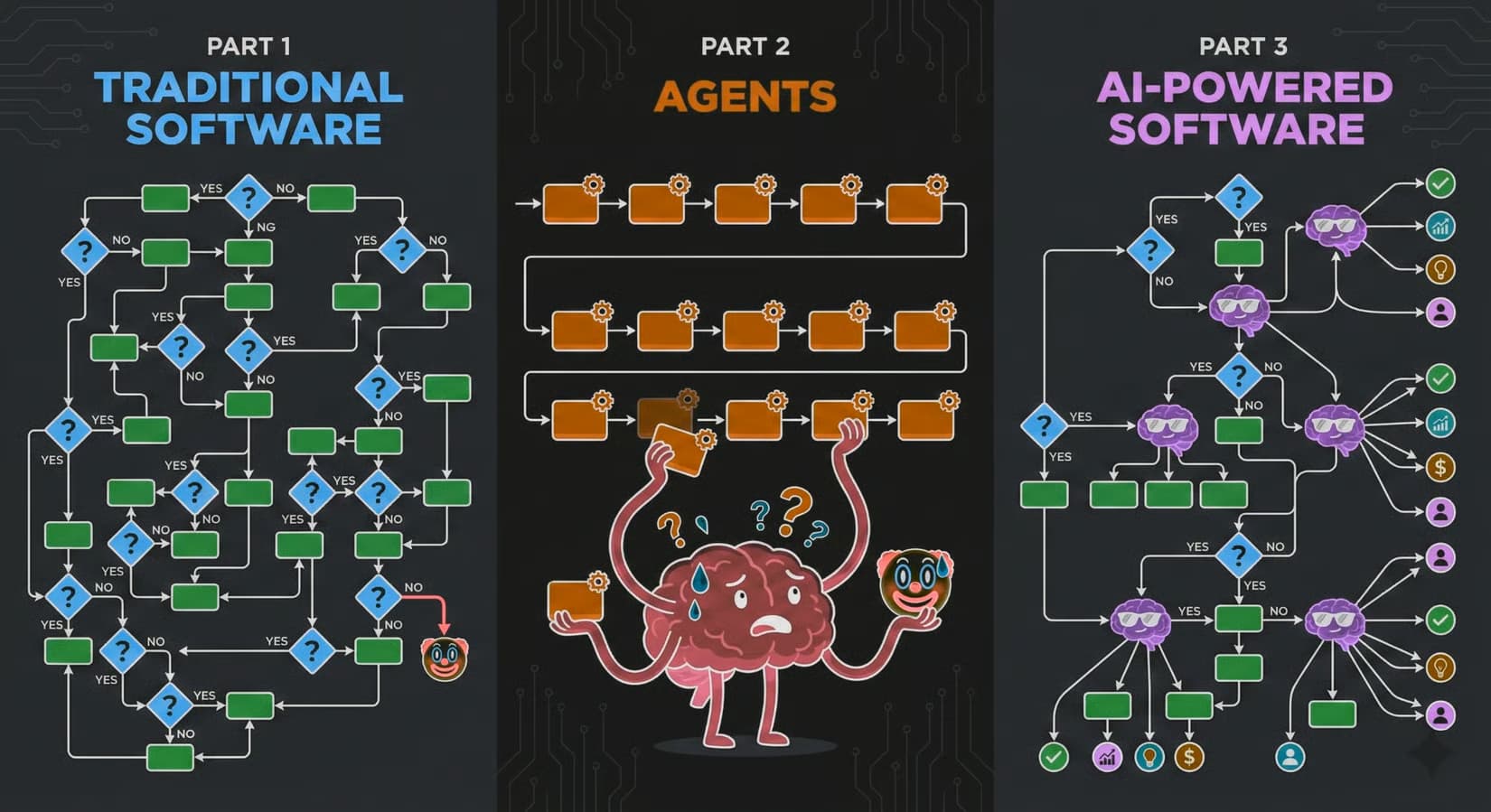
I am very excited about Jev. Typesafe.ai has something fresh, powerful, unique here. I'm mentally infactuated.
Attributes of Jev that stood out to me:
We get the tokenization LLM powers to breakdown input (token window) but without the word vomit. No hallucinations because it's not using probability to hopefully create a pleasing string.
It's exposing the intricate connections it made to the input data. To extract meaning from that super brain that just ingested your JSON, you ask it blunt questions in near natural language.
It's like a fast path to machine learning.
Where you used to need a ton of data and custom machine learning, then run that somewhere and have it probably be slow. Jev is fast, learns data patterns near instantly, and lets you ask questions and make decisions about it's processing of the data.

I don't know how many of those words will resonate with you.
But I urge you to sit down for more than an hour with this. Run through all the tutorials, watch a few of their videos and read the docs.
I think we're looking at a next-gen programming model.
Here is a playground I made to see what Jev thinks about agent assisted art and whether or not a human or an agent is actually the creative.
Comment out one of the stories so the dataset is lopsided, run it and observe the question scores. Then switch to the other story, run it, observe the scores.
This is powerful stuff.
System One has some really compelling examples, and of course I loved the Doom example.
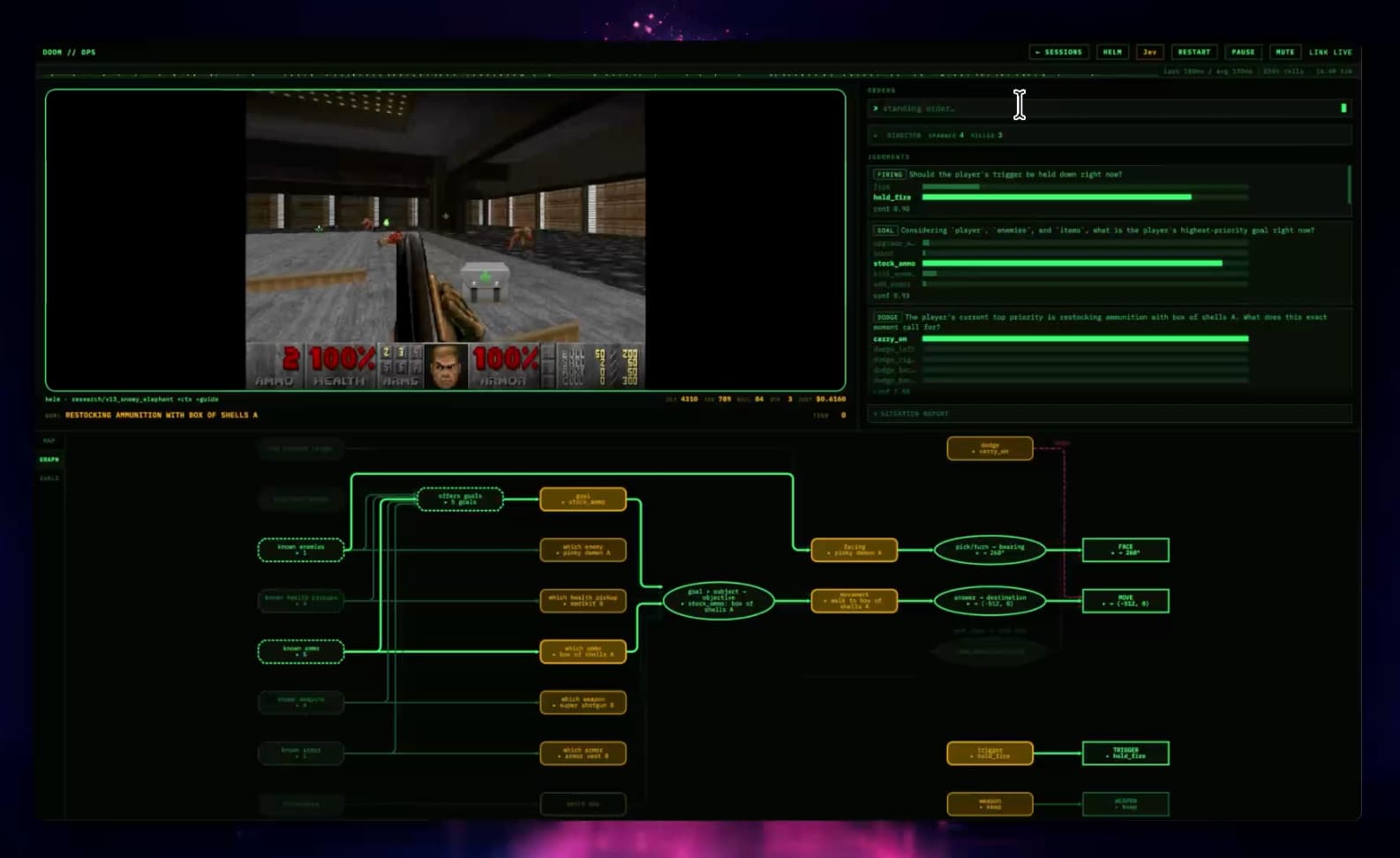
Since Jev is fast, it can process the game's structured data (enemies, room details, etc) and "make common sense judgements", AKA play the game damn good.
Q: Jev doesnt want to own the code, but does want to own narrow structured decisions… which shouldnt the right line of code be a narrow structured decision?
Seems to me like someone could make a Claude Code out of this.
Q: At first I felt the usages of Jev were limited, but I think we're looking at more of a programming model shift then some new tool?
It's fundementally making me think different about how I could write logic to create systems.
Q: What kind of apps does it unlock because it's so fast?
A lot of early use cases will be periodic queries, but if you can get intelligent judgements multiple times a second…